




































































Stepper Motor Driver Overheating Issues and Cooling Fan Selection
📑 Table of contents (Click to open)
Introduction and Technical Analysis
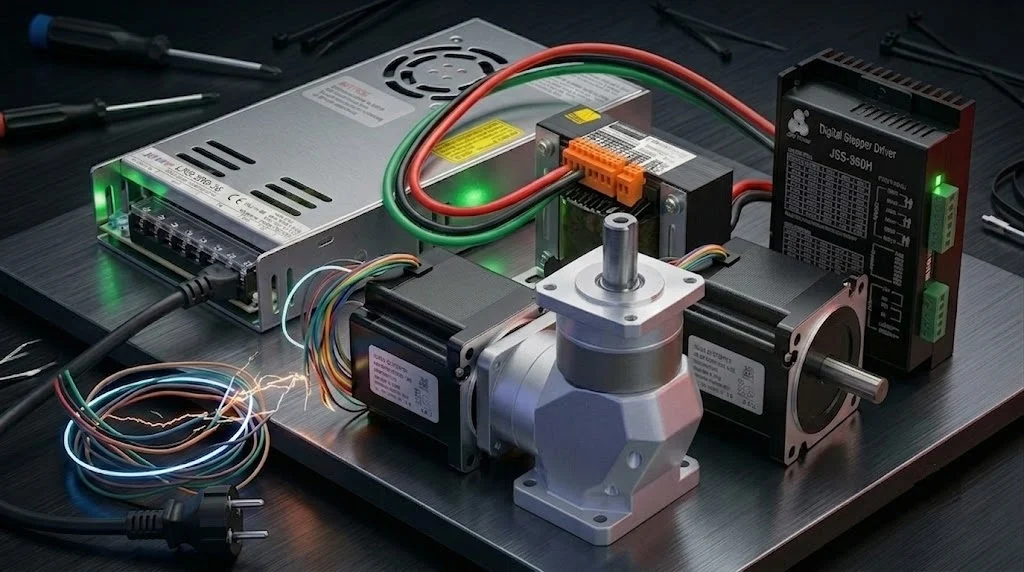
Stepper motors are indispensable components in industrial automation systems, widely preferred in numerous applications requiring precise positioning and speed control. However, the stepper motor drivers that power these motors inherently generate a significant amount of heat during operation. This heat is a critical factor that directly impacts the driver’s performance, reliability, and lifespan. Excessive overheating can lead to permanent damage to the driver’s internal electronic components (especially power MOSFETs, microcontrollers, and current sensing resistors), trigger thermal shutdown protection causing system downtime, and ultimately result in production losses. Therefore, developing an effective thermal management strategy for stepper motor drivers is vital for the uninterrupted and efficient operation of industrial systems. This technical article and field guide aims to detail the root causes of stepper motor driver overheating problems, effective cooling methods, and specifically the criteria for cooling fan selection from the perspective of industrial automation experts. Through a comprehensive analysis, practical insights will be provided to system designers and maintenance engineers to ensure optimal thermal performance.
Operating Principle and Technical Data
Stepper motor drivers typically control the current flowing through the motor windings using a PWM (Pulse Width Modulation) based chopper drive architecture. This method allows the current to quickly reach the desired level by overcoming the motor’s inductive reactance using a supply voltage higher than the motor’s nominal voltage. When the current reaches the desired level, the driver’s MOSFETs are briefly turned off to allow the current to drop, and this cycle continuously repeats. This high-frequency switching process leads to significant heat generation in the power electronics (MOSFETs, diodes) and current sensing resistors within the driver. Heat generation primarily stems from two main sources: conduction losses and switching losses.
Conduction losses are proportional to the MOSFETs’ on-state resistance (RDS(on)) and the square of the current (I2R) flowing through the motor windings. These losses increase in situations where high current is drawn or when the driver has low efficiency. Switching losses, on the other hand, are losses that occur during the turn-on and turn-off times of the MOSFETs and are directly proportional to the switching frequency. Drivers operating in microstepping mode may have higher switching frequencies, which can increase switching losses. Furthermore, the motor’s inductance and driver voltage are also important parameters affecting these losses. Ambient temperature is an external factor that directly influences the driver’s thermal resistance and, consequently, its operating temperature.
Thermal management of a stepper motor driver involves ensuring that the driver’s maximum permissible junction temperature is not exceeded. This value is typically specified by semiconductor manufacturers, and exceeding it significantly shortens the component’s lifespan or causes permanent damage. Heat is usually transferred from the driver’s internal components to the external casing, and from there to the ambient air. The efficiency of this transfer depends on factors such as the size, material, mounting method of the heatsink used, and ambient airflow. Especially in enclosed cabinets or high-density systems, natural convection may be insufficient, necessitating active cooling solutions, i.e., cooling fans.
| Parameter | Value/Description |
|---|---|
| Driver Maximum Current Output | 4.0 A RMS (Per Phase) |
| Motor Phase Current (Adjusted) | 3.2 A RMS (Varies by Application) |
| Maximum Operating Voltage | 48 VDC |
| Driver Thermal Resistance (Rth(ja)) | 15-25 °C/W (Without heatsink, Varies by Manufacturer) |
| Ideal Ambient Temperature | 0-40 °C (For maximum performance) |
| Recommended Fan Airflow (Minimum) | 10-20 CFM (Based on driver power and enclosure volume) |
| Fan Static Pressure Value | 0.1 – 0.3 inH2O (Based on enclosure air resistance) |
| Fan MTBF (Expected Life) | 50,000 – 100,000 Hours (At 40°C) |
| Fan IP Protection Class | IP54 or higher (For industrial environments) |
Field Considerations
- Environmental Conditions and Enclosure Design: Industrial control cabinets are often located in enclosed and dusty environments, which restricts natural airflow. This can prevent the driver from cooling sufficiently even with its own heatsink. Cabinet internal temperature should be controlled with external fans or air conditioning units. Drivers should be mounted away from other heat-generating components (transformers, power supplies) in an area with free airflow. Air circulation within the cabinet should be optimized by correctly positioning fans (one fan pushing air in, another pulling air out).
- Motor and Driver Matching: Stepper motor driver selection must consider the nominal current, voltage, and inductance values of the motor to be driven. If the driver’s current capacity is set much higher than the motor’s requirements, the driver will unnecessarily overheat. Conversely, if the driver’s current capacity is insufficient, the motor cannot produce the desired torque, and the driver will overheat due to overload. Manufacturer’s recommended matching tables must be strictly followed. Setting the driver current to 80-90% of the motor’s nominal current often provides an ideal balance between performance and thermal efficiency.
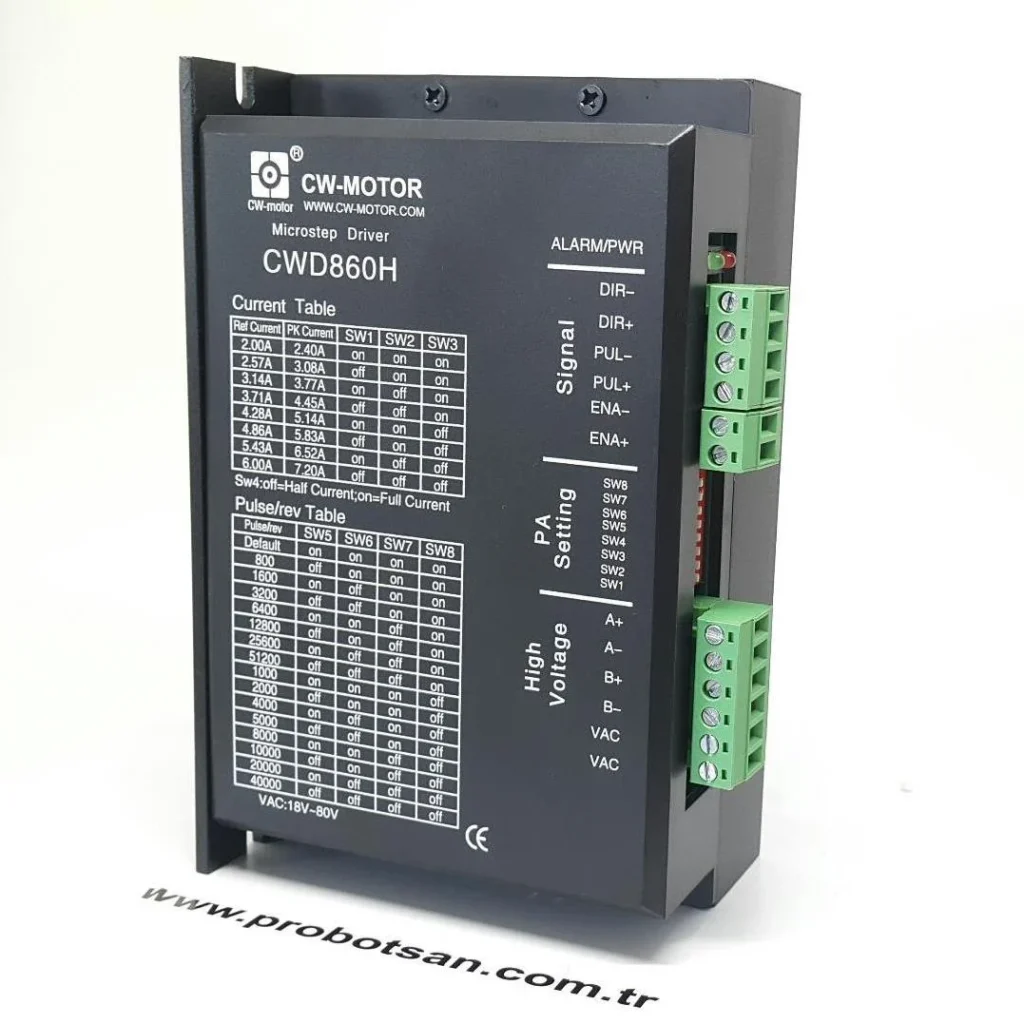
- Current Setting and Microstepping Selection: Most stepper motor drivers offer the ability to adjust the output current and microstepping resolution via software or DIP switches. While higher current settings mean more torque, they also lead to greater heat generation on the driver. Similarly, very high microstepping settings (e.g., 1/16, 1/32) provide smoother motor movement but can increase the driver’s switching frequency, thereby increasing switching losses and contributing to overheating. Using the minimum current and microstepping values required by the application is critical in reducing the thermal load.
- Thermal Monitoring and Protections: Modern stepper motor drivers typically feature internal thermal shutdown protections. This protection safeguards the driver by cutting or reducing motor current when the driver’s internal temperature reaches a critical level. However, this indicates a problem as it causes system downtime. Some drivers can provide thermal status information via temperature sensor outputs or status LEDs. Monitoring these features can help detect potential overheating issues early.
- Mounting and Cabling: The driver’s mounting surface affects heat transfer. If the driver is mounted on a metal panel, this panel can act as an additional heatsink. However, ensure that thermal paste or thermal pads under the driver are applied correctly and completely. Cabling, especially power cables, must be of the correct gauge and length. Long and thin cables can generate additional heat due to their resistance and cause voltage drops, leading the driver to draw more current.

Common Problems and Solutions
Many problems related to overheating can be encountered in stepper motor drivers. Foremost among these is driver thermal shutdown. This situation is usually triggered when the internal temperature of the driver exceeds a critical threshold due to operation under excessive load, inadequate cooling, high ambient temperature, or incorrect current settings. As a solution, it is first recommended to check the motor current settings and reduce them to the minimum level required by the application. Subsequently, consider installing an additional heatsink on the driver or increasing the efficiency of the existing heatsink (e.g., by renewing thermal paste). The most effective solution is often to add an appropriate cooling fan. When selecting a fan, a model capable of providing sufficient airflow (CFM) and static pressure should be chosen, taking into account the driver’s heat dissipation capacity and the internal volume of the cabinet. Ensure the fan is mounted in the correct direction (usually blowing air towards the driver) and that air intake and exhaust are not obstructed.
Another problem is the motor experiencing torque loss or step loss due to driver overheating. When the driver overheats, internal protection mechanisms may reduce the current, which decreases the power supplied to the motor and lowers its torque production capacity. This can lead to step losses, especially in high-speed or high-load applications. The solution, again, is to improve the driver’s thermal management. Methods such as adding a fan, optimizing current settings, and lowering the ambient temperature should be applied. Additionally, ensure that the motor itself is not overheating; motor overheating can also cause torque loss, creating a vicious cycle that increases the driver’s load and leads to further overheating. Checking the motor’s nominal temperature values and considering cooling solutions for the motor if necessary is important.
Chronic overheating leads to a shortened driver lifespan. The lifespan of semiconductor components generally halves for every 10°C increase in temperature (Arrhenius equation). This means that continuous operation of the driver at high temperatures will significantly reduce its expected MTBF (Mean Time Between Failures) value. The solution to this problem is proactive thermal management. Selecting the correct driver and cooling solutions during the design phase, regular maintenance (cleaning fan filters, checking fans), and continuous monitoring of the system are vital for extending the driver’s lifespan. High-quality, industrial-grade fans offer longer life and more reliable performance.
Expert Advice
Stepper motor driver overheating issues represent a critical engineering challenge directly affecting the performance and reliability of industrial automation systems. To overcome these problems, a comprehensive and proactive thermal management strategy is essential. Starting from the driver selection phase, correct matching with the motor, optimization of current settings, and careful evaluation of the mounting environment are the initial steps. However, in many industrial scenarios, passive cooling and natural convection are insufficient, making active cooling solutions, especially cooling fans, indispensable.
When selecting a fan, focusing solely on the airflow (CFM) value can be misleading. It is crucial to ensure that the fan can generate sufficient static pressure to overcome air resistance within the cabinet (filters, cabling, other components). Furthermore, considering the dusty, humid, and vibratory nature of industrial environments, factors such as the fan’s IP protection class (at least IP54), bearing type (ball bearings offer longer life), and MTBF value are vital for long-term reliability. Noise level is another important criterion, especially in human-operated work environments. Energy-efficient, low-noise, and long-life DC fans are ideal for industrial applications. Regular cleaning of fans and checking their functionality should be part of preventive maintenance programs. It should be remembered that driver overheating not only leads to instantaneous performance drops but also incurs a hidden cost by shortening the overall system life and causing unexpected failures. Therefore, investment in thermal management is a high-return investment for the long-term stability and efficiency of the system. Always carefully review the driver manufacturer’s recommendations regarding thermal management and implement solutions based on engineering principles that are most suitable for field conditions. This is the fundamental advice from experts.
FAQ
Why do stepper motor drivers overheat?
Stepper motor drivers overheat due to conduction losses (current squared times resistance in MOSFETs and windings) and switching losses (energy dissipated during high-frequency switching of MOSFETs). Factors like high ambient temperature, excessive motor current settings, inadequate heatsinking, and insufficient airflow in enclosed cabinets exacerbate these issues.
What are the consequences of stepper motor driver overheating?
Overheating can lead to several problems, including thermal shutdown of the driver, which stops the system; reduced motor torque and step loss, impacting precision and performance; and significantly shortened driver lifespan due to accelerated degradation of internal electronic components (following the Arrhenius equation).
What are the best methods for cooling an industrial stepper motor driver?
Effective cooling involves optimizing current settings to the minimum required, ensuring proper motor-driver matching, and improving passive cooling with adequate heatsinks. Crucially, active cooling with a suitable fan is often necessary. The fan must provide sufficient airflow (CFM) and static pressure to overcome enclosure resistance, and have an appropriate IP rating (e.g., IP54) for industrial environments.
What are the key criteria for selecting a cooling fan for a stepper motor driver?
When selecting a cooling fan, consider the required airflow (CFM) and static pressure to move air effectively within the enclosure. Look for an industrial-grade fan with a high MTBF (Mean Time Between Failures) for longevity, a suitable IP protection class (e.g., IP54 or higher) for harsh environments, and a ball bearing type for durability. Energy efficiency and low noise are also important.
What preventative measures can be taken to avoid stepper motor driver overheating?
To prevent overheating, ensure proper driver-motor matching, optimize current and microstepping settings, and provide adequate ventilation for the control cabinet. Mount drivers away from other heat sources, use correct cable gauges, and implement active cooling with well-selected fans. Regular maintenance, such as cleaning fan filters, is also crucial.