




































































Troubleshooting Square Cuts: Why Your CNC Router Produces Trapezoidal Shapes

📑 Table of contents (Click to open)
- Understanding CNC Square Cut Errors: The Trapezoid Problem
- Core Principles of CNC Machining and Geometric Accuracy
- Mechanical Accuracy and Axis Perpendicularity
- Mechanical Play (Backlash) in Drive Systems
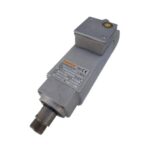
- Spindle Motor and Tool Holder Runout
- Machining Parameters and Tool Selection
- Workpiece Clamping and Fixturing
- CNC Control Unit and Programming Errors
- Field Considerations for Industrial CNC Routers
- Conclusion
When your CNC router produces trapezoidal shapes instead of perfect squares, it’s a critical issue affecting part accuracy. This guide details the essential checks, from axis parallelism and backlash to spindle runout and control unit settings, to ensure precise cuts.
Practical notes for CNC router, automation and industrial motion systems.
Understanding CNC Square Cut Errors: The Trapezoid Problem
CNC (Computer Numerical Control) machines are engineered for high-precision manufacturing. However, issues can arise, particularly with square or rectangular cuts, where the expected 90-degree angles deviate, resulting in trapezoidal shapes. This defect significantly impacts manufacturing quality and increases scrap rates. A trapezoidal cut indicates a deviation from the ideal perpendicularity of motion axes, backlash in the drive systems, workpiece clamping problems, or incorrect control unit parameters. While a perfect square has 90-degree corners and parallel opposite sides, a trapezoidal cut shows angular deviations, leading to assembly, functionality, and aesthetic problems. This article provides a professional, in-depth guide to diagnosing and resolving these common CNC cutting inaccuracies.
Core Principles of CNC Machining and Geometric Accuracy
CNC machines operate by precisely controlling motors and motion systems using programmed G and M codes to remove material. For an accurate square cut, the X and Y axes (or their equivalents) must be perfectly perpendicular, and their linear movements must be executed with absolute precision. Trapezoidal cuts are a direct symptom of deviations from these fundamental geometric and dynamic principles.
Mechanical Accuracy and Axis Perpendicularity
The fundamental structure of a CNC machine dictates the perpendicularity of its axes. The precise 90-degree relationship between the X, Y, and Z axes, along with the straightness of their travel paths, directly influences cut quality. If an axis is not perfectly perpendicular to another, square forms will inevitably appear trapezoidal. This issue can stem from machine installation, foundation leveling, or wear and tear from operational vibrations. Verifying axis perpendicularity and parallelism using tools like laser interferometers or precision squares is crucial.
Mechanical Play (Backlash) in Drive Systems
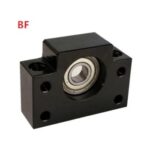
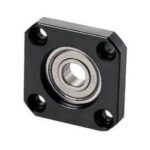
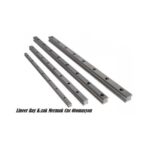
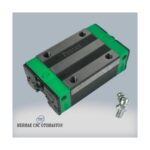
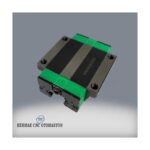
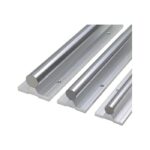
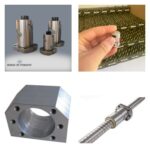
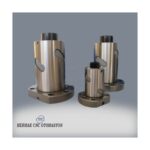
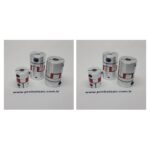
Wear or looseness in components such as ball screws, nuts, couplings, and linear guide rails can introduce unwanted play, or backlash, into the axis movements. This is particularly noticeable during direction changes, where the tool’s actual position deviates from the programmed one. This results in geometric inaccuracies at corners and direction changes, leading to trapezoidal cuts. While CNC control units offer backlash compensation settings, addressing the underlying mechanical looseness is essential.
Spindle Motor and Tool Holder Runout
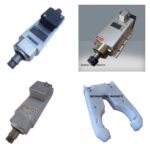
Eccentric rotation of the cutting tool or tool holder within the spindle, known as runout, causes variations in cutting diameter or depth with each revolution. This can lead to surface undulations and geometric errors like trapezoidal shapes, especially on precise edges. Tool runout should ideally be below 0.01 mm (10 microns). Checking tool runout with a sensitive dial indicator is recommended.

Machining Parameters and Tool Selection
Incorrect parameters such as cutting speed (RPM), feed rate, or depth of cut can overload the tool, induce vibration, or cause tool deflection, negatively impacting cutting accuracy. Using an inappropriate tool for the material or employing a worn tool will yield similar results. The tool material, coating, geometry, and diameter must be compatible with the workpiece material and the desired surface finish.

Workpiece Clamping and Fixturing
Inadequate clamping of the workpiece to the machine table can cause it to vibrate or shift under cutting forces, leading to uneven edges and trapezoidal forms. The robustness of fixtures, correct workpiece positioning, and sufficient clamping force are critical.
CNC Control Unit and Programming Errors
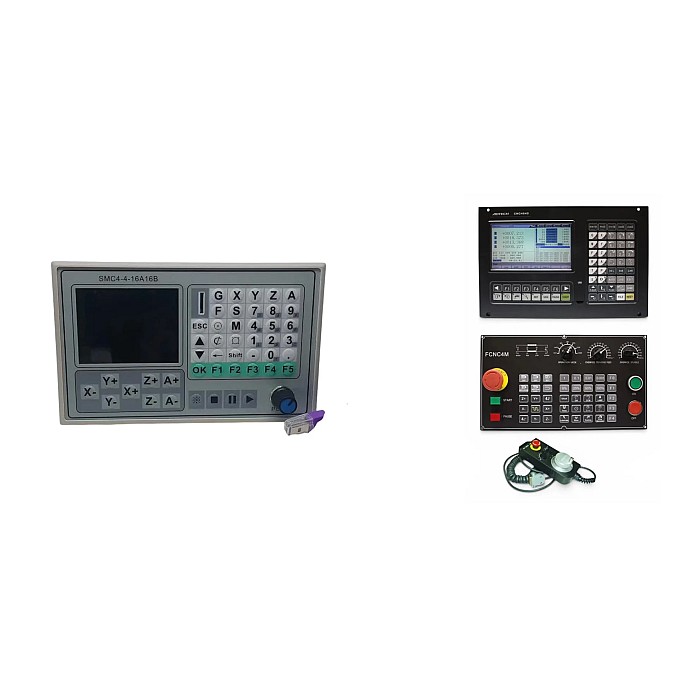
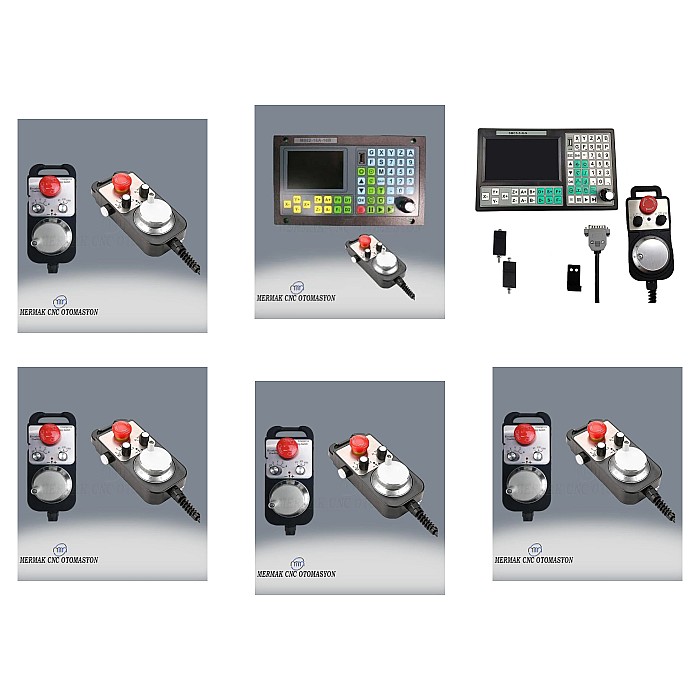
Errors in G-code, particularly in axis movement commands or compensation values, can directly cause geometric deviations. Furthermore, inaccurate axis calibration, backlash compensation settings, or machine geometry compensation values within the CNC control unit can lead to trapezoidal cuts. The control unit’s built-in diagnostic tools and calibration routines should be used periodically.
| Parameter | Value/Description |
|---|---|
| Axis Perpendicularity Tolerance | 0.01 – 0.02 mm/300mm (Varies by machine type) |
| Maximum Backlash Value | 0.005 – 0.01 mm (Target < 0.002mm for new machines) |
| Tool Runout Tolerance | 0.005 – 0.01 mm (Below 0.003mm for precision applications) |
| Workpiece Clamping Force | Determined by material and cutting forces (e.g., 500-2000 N) |
| Cutting Speed (Vc) Range | 100-300 m/min for steel (Varies by material and tool) |
| Feed Rate (Vf) Range | 0.1-0.5 mm/tooth (Based on chip load and RPM) |
| Thermal Stability | Environmental and machine temperature variation (±1-2°C critical) |
Field Considerations for Industrial CNC Routers
- Periodic Mechanical Checks and Maintenance: Regular maintenance is key to preserving the mechanical precision of your CNC router. Ensure all axes are properly lubricated, ball screws and linear guides are clean and inspected for wear. Periodically check the tightness of motor mounting bolts, couplings, and other structural elements, tightening them to the correct torque specifications. These routine checks help in early detection of wear and prevention of major failures.
- Geometric Calibration and Leveling: The leveling of the machine table and the perpendicularity of its axes relative to the ground are critical. Machine bases can settle over time, or ground shifts can affect machine geometry. Use precision levels, laser interferometers, or square masters to regularly verify axis perpendicularity and straightness, adjusting as necessary. These calibrations are typically performed by authorized service technicians.
- Tooling and Tool Holder Management: Ensure cutting tools and tool holders are clean, undamaged, and correctly mounted. Check tool runout with a dial indicator; if it exceeds acceptable tolerances, replace the tool holder or collet. Worn or dull tools can lead to similar issues. Always use sharp, appropriate tooling for the material being machined.
- Parameter Optimization: Fine-tune machining parameters like spindle speed, feed rate, and depth of cut based on material properties, tool specifications, and desired surface finish. Consult machining data handbooks or your tool supplier for recommended starting points.
- Control Unit Verification: Regularly check and update CNC control unit parameters, including backlash compensation, axis scaling, and geometric error compensation. Run diagnostic routines provided by the control unit manufacturer to identify potential issues within the control system or servo drives.
Conclusion
Achieving precise square cuts on an industrial CNC router requires meticulous attention to mechanical integrity, accurate parameter settings, and proper operational procedures. By systematically checking axis parallelism, backlash, tool runout, workpiece fixturing, and control unit settings, manufacturers can diagnose and rectify the causes of trapezoidal cuts. Maintaining your CNC machinery with regular inspections and calibrations is paramount to ensuring consistent part quality and maximizing production efficiency. If you are experiencing persistent issues or require expert assistance with your CNC router’s performance, do not hesitate to reach out.
Ready to optimize your CNC operations? Request a quote on WhatsApp today for expert consultation and solutions!
Related product categories: Mekanik · Genel · CNC Kontrol Paneli